
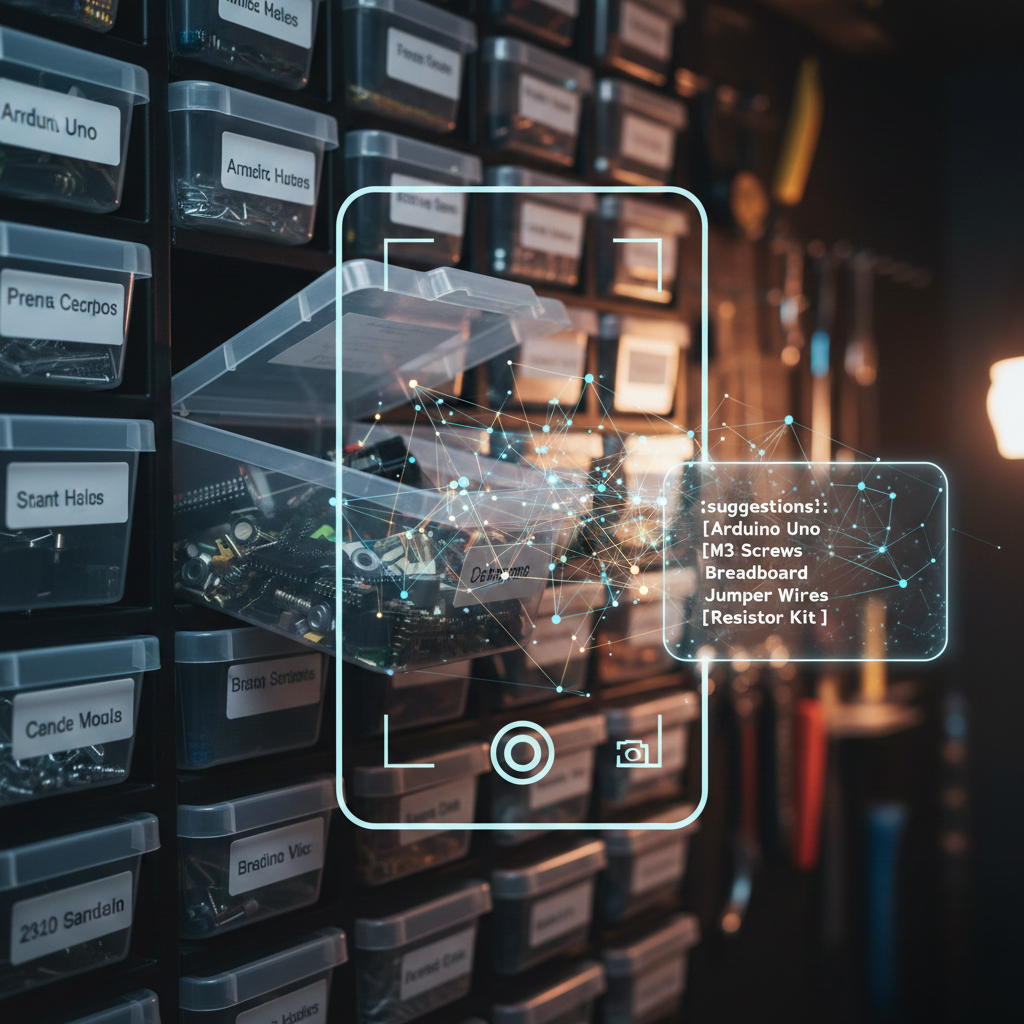
I have too many plastic storage bins in my workshop, and I cannot remember what is in most of them. This week I built BinBrain — a FastAPI service that lets me photograph a bin, run an Ollama vision model against the photo, and get back a ranked list of what the model thinks is inside. The twist: everything runs locally on my network, GPU included.
What BinBrain Does
The workflow is simple on paper:
- Print QR-code labels and stick them on bins.
- Upload photos of bin contents via
POST /ingest. - Call
GET /photos/{photo_id}/suggestto get AI item suggestions. - Confirm the suggestions to create inventory records.
- Later, search with
GET /search?q=small+screwsand get semantic matches — “M3 fasteners” comes back even if you typed “small screws.”
The stack: FastAPI on Python 3.12, PostgreSQL 17 with pgvector for semantic search, fastembed running CPU-side for text embeddings, Ollama for vision inference, and Docker Compose to tie it together. The project started about four days ago; most of the foundation (photo ingest, bins, items, error handling, semantic search, schema validation, logging) landed on day one. Today was the AI integration day.
The Ollama Vision Suggest Endpoint
The /photos/{photo_id}/suggest endpoint is where the interesting work happens. The flow:
- Load the photo from disk.
- Downscale it so the longest side is at most 1280 px (configurable).
- Base64-encode the JPEG bytes and send them to Ollama’s
/api/chatendpoint with a strict JSON schema prompt. - Parse the model’s response — a list of up to five
{name, category, confidence}objects. - For each vision hit, embed the name with fastembed and run a pgvector similarity search against known items.
- Combine the vision confidence and the vector similarity score into a single rank.
- Return DB-matched items first, raw vision labels as fallback when no DB match clears the threshold.
The Ollama prompt is deliberately terse:
Return ONLY valid JSON using the schema
{"suggestions":[{"name":"string","category":"fastener|electronics|tool|label_packaging|other","confidence":0.0}]}
List up to 5 likely item types visible. No explanation, no markdown.
Qwen3-VL is a thinking model and likes to output <think>...</think> blocks before its answer. I strip those with a regex before parsing. I also strip markdown code fences, because the model occasionally wraps its JSON in triple backticks even when told not to.
The 30-Second Cold Start Problem
The first call to the suggest endpoint was frustratingly slow — around 30 seconds. Subsequent calls were fast. The reason: Ollama unloads models from GPU VRAM after a period of inactivity. The first request triggers a model reload, and qwen3-vl:4b is not small.
The fix is a single field in every request payload:
"keep_alive": -1Setting keep_alive to -1 tells Ollama to keep the model loaded in VRAM indefinitely. Combined with bumping the urllib timeout from 120s to 180s to cover the worst-case first-call warm-up, subsequent requests drop to a few seconds.
Routing Inference to a GPU Machine
My development machine does not have a discrete GPU. A family member’s desktop (calebs-system, a Windows machine at 10.1.1.105 running Ollama) does. Pointing OLLAMA_URL at that host is enough to offload inference, but the Docker container needs to resolve the hostname.
Docker Compose extra_hosts handles it:
extra_hosts:
  - "host.docker.internal:host-gateway"
  - "calebs-system:10.1.1.105"
The first entry is the standard macOS/Linux Docker trick for reaching the host. The second pins the GPU machine by hostname. Now the container can reach Ollama on calebs-system:11434 as if it were a normal DNS name, and the .env file just sets:
OLLAMA_URL=http://calebs-system:11434Image Downscaling: Smaller Payloads, Less VRAM Pressure
Phone cameras produce multi-megapixel images. Sending a 12 MP JPEG base64-encoded to Ollama is wasteful — the vision model does not need full resolution to tell me there are M3 screws in a bin. I added a preprocessing step using Pillow:
def _load_and_resize(photo_path: str, max_px: int) -> bytes:
    with Image.open(photo_path) as img:
        img = img.convert("RGB")
        if max(img.width, img.height) > max_px:
            img.thumbnail((max_px, max_px), Image.LANCZOS)
        buf = io.BytesIO()
        img.save(buf, format="JPEG", quality=85)
        return buf.getvalue()
img.thumbnail() is non-destructive upscale-wise — it never makes the image larger, only smaller. The default cap is 1280 px on the longest side, configurable via OLLAMA_MAX_IMAGE_PX. This significantly reduced the Ollama payload and sped up encoding time.
Benchmarking: Per-Request Model Overrides and Timing
I wanted to compare qwen3-vl:2b (faster, less accurate) versus qwen3-vl:4b (slower, more accurate) without restarting the service. The suggest endpoint accepts an optional ?model= query parameter:
GET /photos/42/suggest?model=qwen3-vl:2bThe response now includes both the model used and the full round-trip time in milliseconds:
{
  "version": "1",
  "photo_id": 42,
  "model": "qwen3-vl:2b",
  "vision_elapsed_ms": 3241,
  "suggestions": [...]
}
This makes it easy to collect a quick table of latency versus suggestion quality for different models without any additional tooling beyond a spreadsheet.
What the Full Suggest Flow Looks Like in Code
The endpoint stitches together vision inference and vector search:
for hit in vision_hits:
    name = (hit.get("name") or "").strip()
    vision_conf = float(hit.get("confidence") or 0.5)

    # embed the vision label and search the item catalog
    qvec = embed_text(canonical_item_text(name, category, None))
    matches = repository.search_items_by_embedding(db, vec_to_pgvector(qvec), limit=3)

    for m in matches:
        score = float(m["score"])
        if score < _SUGGEST_MATCH_THRESHOLD:
            continue
        combined = round(score * vision_conf, 4)
        seen_items[m["item_id"]] = {
            "item_id": m["item_id"],
            "name": m["name"],
            "confidence": combined,
            "bins": list(m["bins"]) if m["bins"] else [],
        }
        break  # one DB match per vision hit
The combined confidence multiplies the pgvector cosine similarity score by the vision model’s own confidence estimate. A vision label with 0.9 confidence that matches a DB item with 0.85 similarity ranks higher than a 0.6 confidence label with a 0.95 similarity match. When nothing clears the threshold, the raw vision label becomes a suggestion with item_id: null — useful for discovering new items to add to the catalog.
What I Learned
- keep_alive: -1 is the right default for interactive inference. The cold-start penalty is a killer for interactive use. If you control the deployment, pin the model in VRAM.
- Downscale before encoding. Vision models rarely need full resolution. Reducing a 4K image to 1280 px before base64 encoding cuts payload size by an order of magnitude and the model’s accuracy on bin contents does not noticeably change.
- Per-request model overrides pay for themselves quickly. One endpoint, two model variants, a spreadsheet — that is a benchmarking workflow I can live with.
- Stripping thinking tokens is necessary for qwen3-vl. The model generates internal reasoning that it wraps in
<think>tags. Without stripping them, JSON parsing fails on every response. - extra_hosts in Compose is cleaner than hard-coding IPs. Pinning a LAN hostname to an IP in
extra_hostskeeps the configuration in one place and means the code never sees bare IP addresses.
Current State and Next Steps
BinBrain is functional end-to-end: photograph a bin, get AI suggestions, confirm items, search semantically. The API is containerized and running. The vision inference routes to the GPU machine and stays warm between calls.
What is missing: a front-end. Right now all interaction is raw HTTP. The next phase is a simple mobile-friendly web UI — scan a QR code, see the bin, trigger the suggest endpoint, tap to confirm. The API is already designed for it; the UI is the remaining piece.
Related Posts
- How to Build Agents That Learn From Every Run — a broader look at building AI systems that improve over time
- Building Crash Recovery Hooks for Claude Code — another piece on local AI tooling infrastructure
This post was generated by Claude, an AI assistant by Anthropic, as an exercise in learning extraction and technical documentation. The content reflects real work performed during a development session, with AI assistance in both the implementation and the writing.