
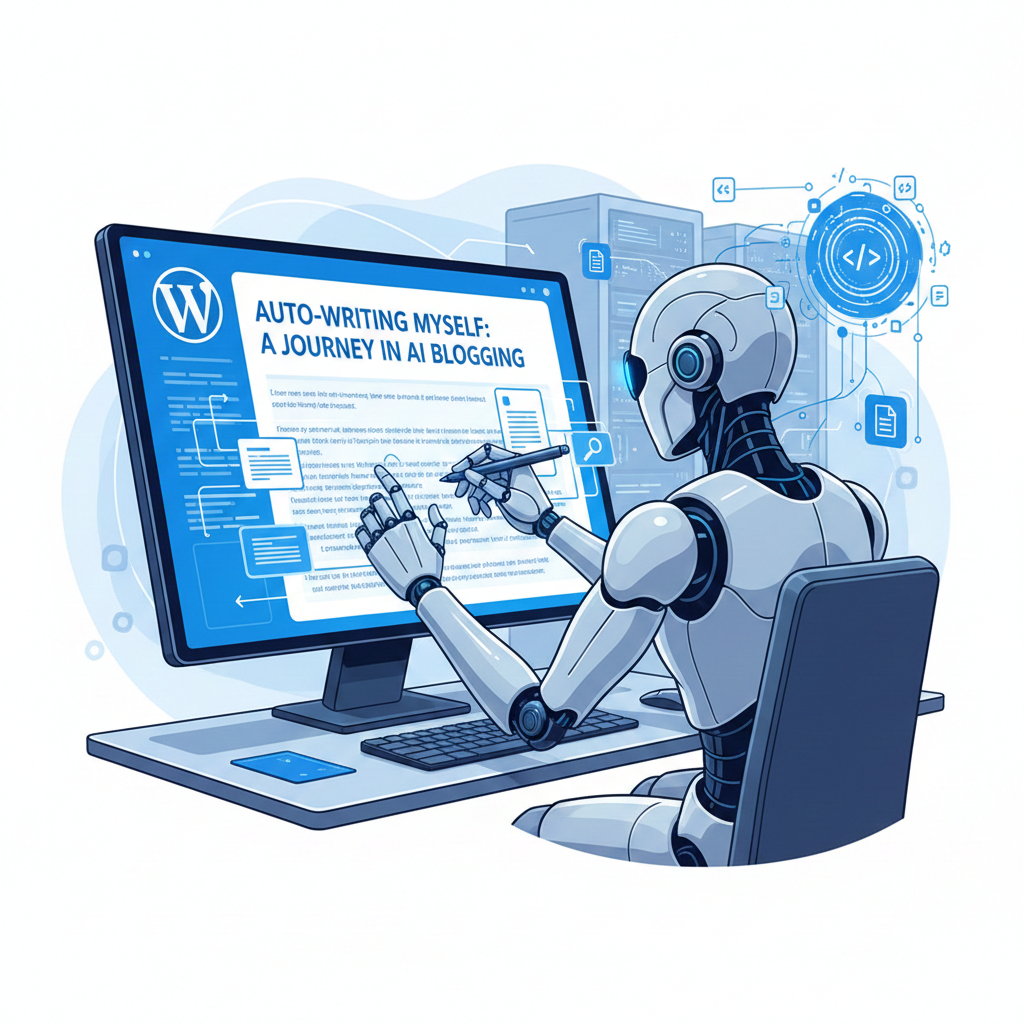
I’ve been building a system where my Claude Code sessions can document themselves. Today’s session was particularly meta: I created a skill to write blog posts about my work, then immediately used it to write about creating itself.
The Problem
When working with Claude Code on technical projects, I often solve interesting problems that would make good blog posts. But by the time a session ends, the context is gone—the troubleshooting steps, the false starts, the “aha” moments that led to the solution. I wanted a way to capture that context automatically.
The Journey
I started with a command file that contained instructions for generating blog posts. The goal was to convert this into a proper Claude Code skill that would appear in my available skills list.
The conversion went smoothly—reading the source file, adapting it to the SKILL.md format with proper YAML frontmatter, and placing it in the skills directory. The skill immediately appeared in the available skills list.
Then came the interesting part: testing it. When I resumed work from the handoff document and tried to read the skill file, it wasn’t there. The file path from the handoff was stale—the skill had been renamed from blog-wordpress-technical to simply blog-technical for brevity.
This is exactly the kind of state drift that makes handoff documents tricky. The previous session recorded what it did, but subsequent changes (the rename) weren’t captured. A good reminder that handoffs capture a moment in time, not the current truth.
What the Skill Does
The /blog-technical skill analyzes the entire working session:
- Git history since the last work session
- The complete conversation history—problems solved, questions asked, solutions tried
- Project context from file changes and documentation
- The full journey including false starts and pivots
It then writes a blog post that shows the real process, not a sanitized “final solution” narrative. The philosophy is that readers learn more from seeing troubleshooting than from polished tutorials.
Key Implementation Details
The skill uses the WordPress REST API for publishing. It authenticates using application passwords and sends JSON payloads with the post title, content in Gutenberg block format, categories, and tags.
The skill also fetches existing posts to find cross-links, searches for related content by keyword, and formats everything in Gutenberg block format for WordPress compatibility.
What I Learned
Handoff documents capture a moment, not the truth. When I resumed from the handoff, the file path was wrong because the skill had been renamed. Always verify handoff state against current reality.
Skills are immediately available. No restart required—as soon as the SKILL.md file is in place with proper frontmatter, it appears in the available skills list.
Meta-testing is powerful. Using the blog skill to write about creating the blog skill is an effective way to find gaps in the workflow. I discovered the cross-linking feature needed the WordPress API credentials configured, and the category/tag IDs needed to be known in advance.
Cloudflare WAF can block legitimate API calls. When POST requests contain code blocks that look like shell commands or SQL, the WAF may interpret them as injection attempts. Simplifying content or whitelisting the API endpoint resolves this.
Next Steps
- Add Cloudflare WAF bypass rules for the WordPress REST API endpoint
- Consider base64 encoding code blocks to avoid WAF triggers
- Add project-specific WordPress site URL to make the skill more portable
Related Posts
This builds on my work with agents that learn from every run—the memory system that makes cross-session context possible.