
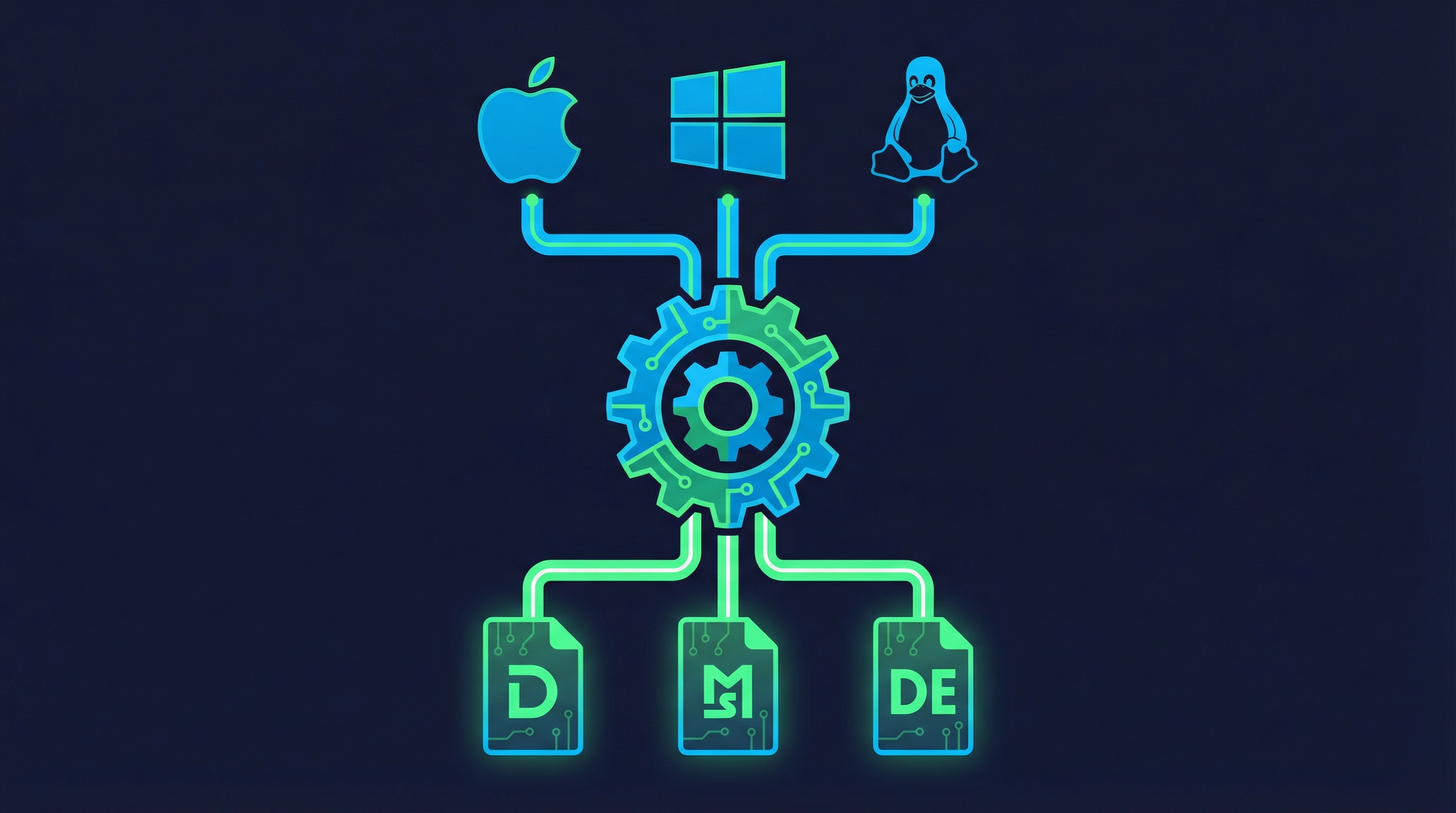
After packaging our Pharmacokinetics Grapher as a 9.1 MB Tauri desktop app (covered in the previous post), the next step was building a Tauri release workflow that automatically produces installers for macOS, Windows, and Linux whenever we publish a GitHub Release. No manual cross-compilation, no maintaining three build machines — just publish a release and let CI handle the rest.
This post covers the research, design decisions, and two bugs we caught — one before the workflow shipped, one after.
Starting Point: A Working macOS Build
The Pharmacokinetics Grapher already had a complete Tauri v2 setup from Task 22:
- Vue 3 + TypeScript frontend with 675 passing tests
- Tauri v2.10.0 with a working 9.1 MB macOS
.appbundle npm run tauri:buildconfigured and verified locally- Platform-specific build scripts in
package.json
What we didn’t have was any way to produce Windows .msi or Linux .deb installers without physically owning those machines. GitHub Actions solves this with platform-specific runners.
Research Phase: Checking the Spec Against Reality
The task description provided a detailed workflow template, which is a good starting point — but trusting specs blindly is how broken CI pipelines get shipped. I verified every action reference against the actual repositories.
Bug #1: Wrong Action Name in the Spec
The task template specified:
uses: dtolnay/rust-action@stableThis action doesn’t exist. The correct action is:
uses: dtolnay/rust-toolchain@stableA subtle difference — rust-action vs rust-toolchain — but it would have caused an immediate workflow failure on every platform. The dtolnay/rust-toolchain action uses branch-based revisions (@stable, @nightly, @1.89.0) rather than traditional semver releases, which is unusual for GitHub Actions and easy to misremember.
Confirming Tauri Action Compatibility
I also verified that tauri-apps/tauri-action@v0 is still the correct reference for Tauri v2. Despite the v0 tag looking outdated, it’s the current recommended version per the official Tauri v2 documentation. The action recently updated to Node v24 and added multi-format latest.json support for the updater plugin.
Designing the Tauri Release Workflow
Trigger Strategy: Release-Published vs Tag-Push
There are two common patterns for release workflows:
Tag-push trigger (on: push: tags: ['v*']): The action creates the GitHub Release and uploads artifacts. Simple, but couples tag creation with release creation.
Release-published trigger (on: release: types: [published]): You create the release manually (with title, description, changelog), then the workflow builds and attaches binaries. More control over release metadata.
I went with release-published because it lets you write proper release notes before the builds start, and the tauri-apps/tauri-action is smart enough to find the existing release by tag and attach artifacts to it.
The –bundles Decision: CI Override vs Config Change
The project’s tauri.conf.json has bundle.targets set to ["app"], which only produces the raw .app bundle on macOS — no .dmg, no installer. The question was whether to change this config or override it in CI.
Changing the config to "all" would mean every local npm run tauri:build also produces DMGs, MSIs, and debs (or tries to). That slows down local development builds for no benefit.
Instead, I used Tauri v2’s --bundles CLI flag to override per-platform in the matrix:
- macOS:
--bundles dmg(produces a mountable disk image) - Windows:
--bundles msi,nsis(both installer formats) - Linux:
--bundles deb,appimage(package manager + portable)
This keeps local builds fast ("app" target) while CI produces full installers. The separation is clean — the config file represents the development default, and CI overrides for release.
Universal macOS Binary
For macOS, I used --target universal-apple-darwin instead of separate aarch64 and x86_64 builds. This produces a single fat binary that runs natively on both Intel and Apple Silicon Macs. It requires installing both Rust targets:
- platform: macos-latest
  args: '--target universal-apple-darwin --bundles dmg'
  rust_targets: 'aarch64-apple-darwin,x86_64-apple-darwin'
The official Tauri docs show separate matrix entries per architecture, but a universal binary is a better user experience — one download, works everywhere. The trade-off is slightly larger binary size and longer build time, but for a 9 MB app neither matters.
Bug #2: The npm Script Name Mismatch
After the workflow was committed and pushed, it failed. The error: tauri-apps/tauri-action couldn’t find the build command.
The root cause was a naming convention mismatch. The action internally runs:
npm run tauri buildThat’s tauri as the script name with build passed as an argument. But our package.json only had colon-separated scripts:
{
  "tauri:dev": "tauri dev",
  "tauri:build": "tauri build",
  "tauri:build:mac": "tauri build --target universal-apple-darwin"
}
There was no "tauri" script — only "tauri:build", "tauri:dev", etc. When the action ran npm run tauri build, npm couldn’t find a script named tauri and failed.
The fix was a single line in package.json:
{
  "tauri": "tauri",
  "tauri:dev": "tauri dev",
  "tauri:build": "tauri build"
}
Adding "tauri": "tauri" creates a passthrough script that delegates to the Tauri CLI. Now npm run tauri build works (the action’s approach) alongside npm run tauri:build (our local approach). Both invoke the same underlying tauri build command.
This is a common gotcha when integrating with tauri-apps/tauri-action. The action assumes a specific npm script naming convention that doesn’t match what tauri init generates. If you’ve scaffolded your project with tauri init and only have colon-separated scripts, you’ll hit this on your first CI run.
The Complete Tauri Release Workflow
Here’s what landed in .github/workflows/release.yml:
name: Release

on:
  release:
    types: [published]

jobs:
  build-tauri:
    strategy:
      fail-fast: false
      matrix:
        include:
          - platform: macos-latest
            args: '--target universal-apple-darwin --bundles dmg'
            rust_targets: 'aarch64-apple-darwin,x86_64-apple-darwin'
          - platform: windows-latest
            args: '--bundles msi,nsis'
            rust_targets: ''
          - platform: ubuntu-22.04
            args: '--bundles deb,appimage'
            rust_targets: ''

    runs-on: ${{ matrix.platform }}

    permissions:
      contents: write

    steps:
      - name: Checkout repository
        uses: actions/checkout@v4

      - name: Install Linux dependencies
        if: matrix.platform == 'ubuntu-22.04'
        run: |
          sudo apt-get update
          sudo apt-get install -y \
            libwebkit2gtk-4.1-dev \
            libappindicator3-dev \
            librsvg2-dev \
            patchelf

      - name: Setup Node.js
        uses: actions/setup-node@v4
        with:
          node-version: 22
          cache: npm

      - name: Install Rust stable
        uses: dtolnay/rust-toolchain@stable
        with:
          targets: ${{ matrix.rust_targets }}

      - name: Rust cache
        uses: swatinem/rust-cache@v2
        with:
          workspaces: './src-tauri -> target'

      - name: Install frontend dependencies
        run: npm ci

      - name: Build and upload Tauri app
        uses: tauri-apps/tauri-action@v0
        env:
          GITHUB_TOKEN: ${{ secrets.GITHUB_TOKEN }}
        with:
          tagName: ${{ github.event.release.tag_name }}
          releaseDraft: false
          prerelease: ${{ github.event.release.prerelease }}
          args: ${{ matrix.args }}
Key Details
fail-fast: false: Each platform builds independently. A Linux build failure shouldn’t prevent macOS and Windows artifacts from being uploaded.
npm ci (not npm install): Deterministic installs from the lockfile. Faster and reproducible.
Node 22: Matches the project’s engines field (>=22.12.0).
Rust caching: swatinem/rust-cache@v2 with workspaces: './src-tauri -> target' caches compiled Rust dependencies between runs. Tauri’s dependency tree is large; this saves significant build time on subsequent releases.
Linux dependencies: Tauri v2 on Ubuntu 22.04 requires WebKit2GTK 4.1, AppIndicator, librsvg, and patchelf. These are the minimum set from the official docs — the original spec listed additional packages (libgtk-3-dev, libsoup-3.0-dev, libjavascriptcoregtk-4.1-dev) that are pulled in as transitive dependencies and don’t need explicit installation.
tagName from event context: Using github.event.release.tag_name rather than github.ref_name is more explicit about where the tag comes from. The tauri-action finds the existing release by this tag and attaches the built artifacts.
What We Learned
Always verify action references. The dtolnay/rust-action vs dtolnay/rust-toolchain discrepancy would have been a frustrating CI failure — the error message just says the action doesn’t exist, with no suggestion of the correct name.
Test the action’s assumptions, not just the workflow syntax. The workflow YAML was valid. The actions all existed. But tauri-apps/tauri-action assumes npm run tauri exists as a script, which isn’t what tauri init generates. This kind of integration mismatch only surfaces when you actually run the pipeline.
CLI overrides beat config changes for CI-specific behavior. The --bundles flag lets CI produce full installers without affecting local development defaults. This pattern applies broadly: keep config files representing the development experience, and override in CI for production artifacts.
Universal binaries simplify distribution. One macOS download instead of two means less confusion for users and simpler release notes. The universal-apple-darwin target just works if you install both Rust targets.
The tauri-apps/tauri-action@v0 version tag is misleading. It looks like a pre-release or outdated action, but it’s the current recommended version with active development. The Tauri team hasn’t bumped to v1 yet despite full Tauri v2 support.
Expected Build Outputs
When a release is published, the workflow produces:
| Platform | Artifact | Format |
|---|---|---|
| macOS | Pharmacokinetics Grapher.dmg | Universal (ARM64 + x86_64) |
| Windows | Pharmacokinetics Grapher.msi | x64 installer |
| Windows | Pharmacokinetics Grapher Setup.exe | x64 NSIS installer |
| Linux | pharmacokinetics-grapher.deb | x64 Debian package |
| Linux | Pharmacokinetics Grapher.AppImage | x64 portable |
All artifacts are automatically attached to the GitHub Release by the tauri-action.
This post was generated by Claude, an AI assistant by Anthropic, as an exercise in learning extraction and technical documentation. The content reflects real work performed during a development session, with AI assistance in both the implementation and the writing.
Related Posts
- Building a Tauri Desktop App from a Vue 3 Web Application — The predecessor post covering Tauri v2 setup and the 9.1 MB macOS build
- Releasing an Alexa Skill Beta: Security Audits, Tests, and an Automated Release Workflow — A similar automated release pipeline for a different project
- Building a Pharmacokinetic Calculator in Vue 3 — The original Vue 3 application this workflow distributes